
Yes, two people can play Orbitals with a single purchased copy. The best setup depends on whether you're playing in the same room and which Nintendo systems you own. Two players can use split-screen on one Nintendo Switch 2, while players on separate systems can connect through the free Orbitals: Global Friend's Pass app or GameShare.

Each option works differently. Global Friend's Pass is a separate, free Nintendo Switch 2 download. GameShare streams the host's game for a single session, while couch co-op puts both players on the same console. Here's what each setup requires—and how to choose one without buying a second copy of the full game.
Can You Play Orbitals Co-op With One Copy?
Couch co-op — The second player needs a second set of controllers. It works on one Nintendo Switch 2 in the same room and requires one full copy on the console.
Global Friend's Pass — The second player downloads the free Orbitals: Global Friend's Pass app. It works online between two Nintendo Switch 2 systems, and both players need Nintendo Switch Online.
Local GameShare — The second player needs a nearby compatible receiving system. The full-copy owner must host from Nintendo Switch 2.
Online GameShare — The second player needs a Nintendo Switch 2. It works from different locations, and both players need Nintendo Switch Online and must join the same GameChat room.

All four setups let two people play from one full copy. The main differences are the hardware you need and how you connect. Global Friend's Pass is the most direct Orbitals-specific option for online play between two Nintendo Switch 2 systems. GameShare uses Nintendo's system-level sharing feature instead, while local split-screen is the simplest choice for two people sharing a screen.
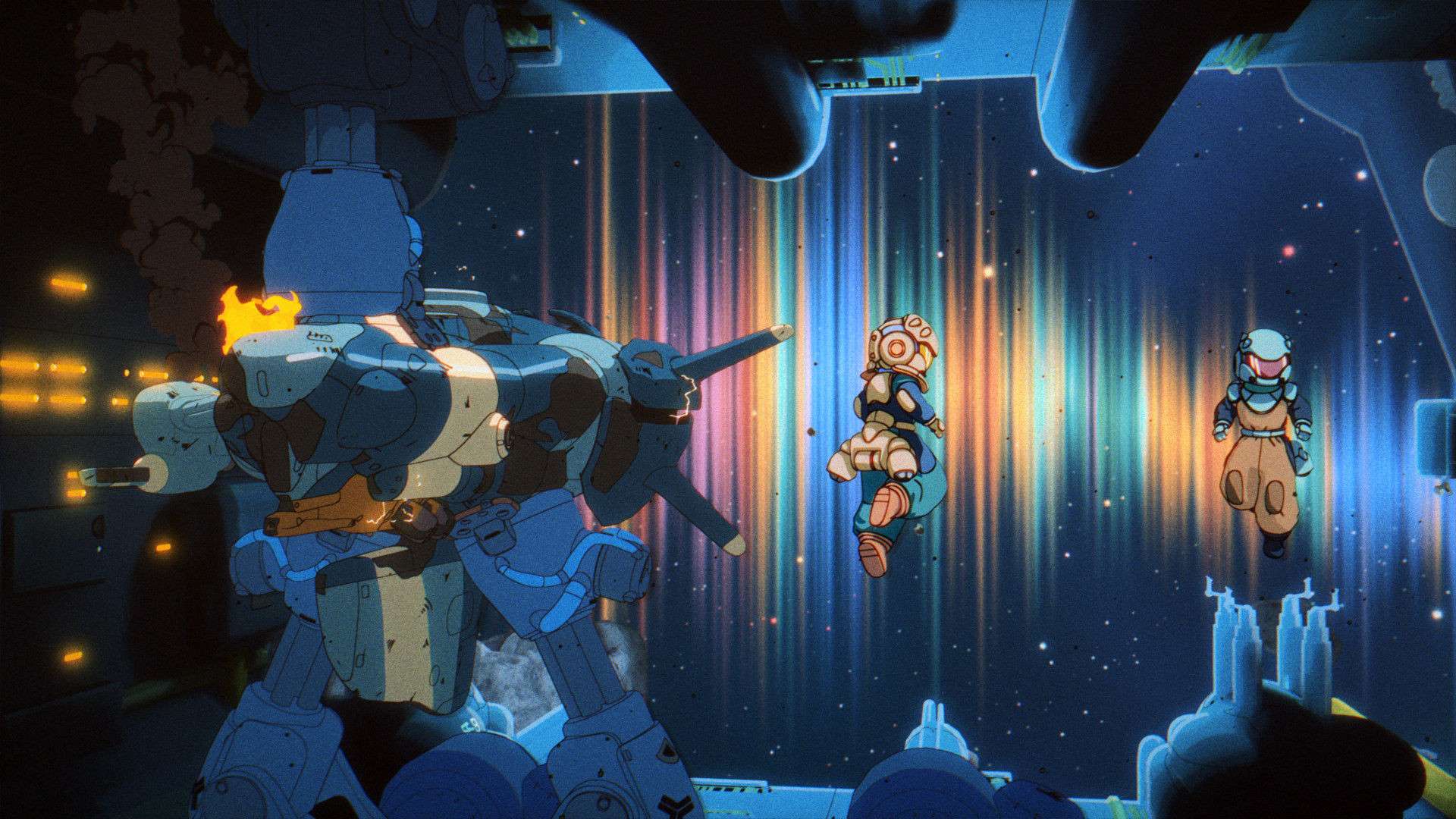
How to Use Orbitals: Global Friend's Pass
Only one player needs to buy the full game. The other downloads the free Orbitals: Global Friend's Pass app from Nintendo eShop on Nintendo Switch 2. The owner can then invite the pass user to join the full co-op adventure at no extra cost.
Both players need a Nintendo Switch 2 and a Nintendo Switch Online membership. You'll also need an internet connection and a Nintendo Account.
The free app also includes a demo of the opening chapter, so you can try it without an invitation from someone who owns the full game. That demo supports local co-op only.

How to Play on One Nintendo Switch 2
If you're sharing a TV or display, use the built-in local co-op mode. You'll need one Nintendo Switch 2, one copy of Orbitals, and two sets of controllers. The game uses local split-screen, so the second player doesn't need another console or another copy.

For this setup, you need one Nintendo Switch 2, one copy of Orbitals, and two controller sets.
How to Use Local GameShare on Two Nearby Systems
Local GameShare is another option for players in the same location. The owner hosts Orbitals from a Nintendo Switch 2, and the second player receives the shared game over local wireless. That receiving system can be a Nintendo Switch 2, Nintendo Switch, Nintendo Switch Lite, or Nintendo Switch – OLED Model.
The host must be on Nintendo Switch 2. A system from the original Nintendo Switch family can receive a local GameShare session, but it can't host one. This makes local GameShare a good fit for two nearby players who want separate screens, even if only the game owner has upgraded to Nintendo Switch 2.
How to Use Online GameShare Through GameChat
Online GameShare requires two Nintendo Switch 2 systems. Both players join the same GameChat room, and the owner starts GameShare from Orbitals. Since the connection runs over the internet, the two systems don't have to be in the same place.
As of September 4, 2026, each player needs an active Nintendo Switch Online membership, a persistent internet connection, and a Nintendo Account set up for GameChat. Both Nintendo Switch 2 systems also need the latest system update. GameChat requires phone-number verification, and the players must be Nintendo Account friends who have approved each other for GameChat. The feature isn't available in every country.
GameShare streams the game from the host instead of installing a permanent copy on the guest's system. The guest can play only while the sharing session is active. Nintendo doesn't impose another time limit on top of that, but access ends with the session.
Which One-Copy Co-op Option Should You Use?
Use couch co-op if you're both playing on one Nintendo Switch 2 and don't mind split-screen. Choose local GameShare if you're nearby but want separate displays, especially when the guest owns a system from the original Nintendo Switch family. In either case, the Nintendo Switch 2 owner has to host.
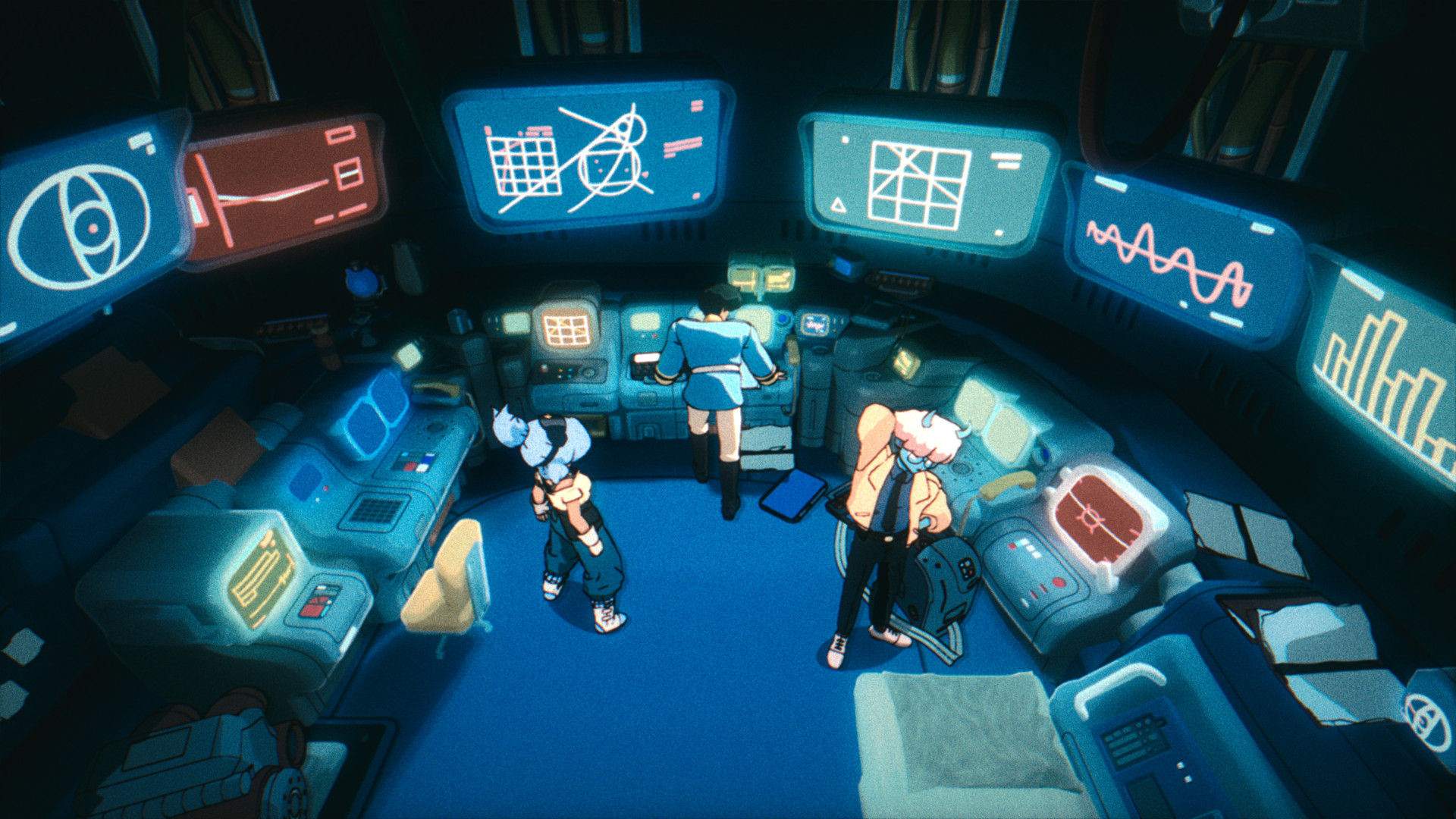
For long-distance play, Global Friend's Pass is the purpose-built option: the guest installs the free Orbitals app, and the owner invites them into the full adventure. Online GameShare also lets two people play from one copy, but it comes with GameChat's account setup, mutual approval, and phone-verification requirements. Both online options require two Nintendo Switch 2 systems and Nintendo Switch Online memberships for both players.
Save handling is another key difference. GameShare doesn't create save data on the guest system; only the host's save is updated. Save behavior for Global Friend's Pass hasn't been confirmed, so don't assume the guest will keep separate progress.
Sources
Shapefarm: Ways to Play Orbitals — https://www.orbitalsgame.com/post/ways-to-play-orbitals
Nintendo: Orbitals — https://www.nintendo.com/us/store/products/orbitals-switch-2/
Orbitals: Global Friend's Pass — https://www.nintendo.com/en-ca/store/products/orbitals-global-friends-pass-switch-2/
Nintendo: GameShare overview — https://www.nintendo.com/us/gaming-systems/switch-2/features/gameshare/
Nintendo Support: GameShare FAQ — https://en-americas-support.nintendo.com/app/answers/detail/a_id/68402/~/gameshare-overview-and-faq
GameChat setup — https://en-americas-support.nintendo.com/app/answers/detail/a_id/68391
0 개의 댓글:
댓글 쓰기